Checked by code
Right or wrong, in a second.
Your formulas run, and every result is compared with a correct solution. Journal entries are checked line by line and must balance. Wrong cells turn red with a hint about why.
 Accounting Exercises
Excel for Accounting · Bookkeeping · Payroll
Real accounting tasks in a real spreadsheet and a real journal, right in your browser. Every answer checked in a second.
Start practicing freeContinue practicing See pricing
No sign-up needed. The first exercise of every lesson is free.Welcome back. Pick up where you left off.
Checked by code
Your formulas run, and every result is compared with a correct solution. Journal entries are checked line by line and must balance. Wrong cells turn red with a hint about why.
Generated
Press New numbers for the same task with a different company and different amounts. You learn the method, not the answer.
Spreadsheet
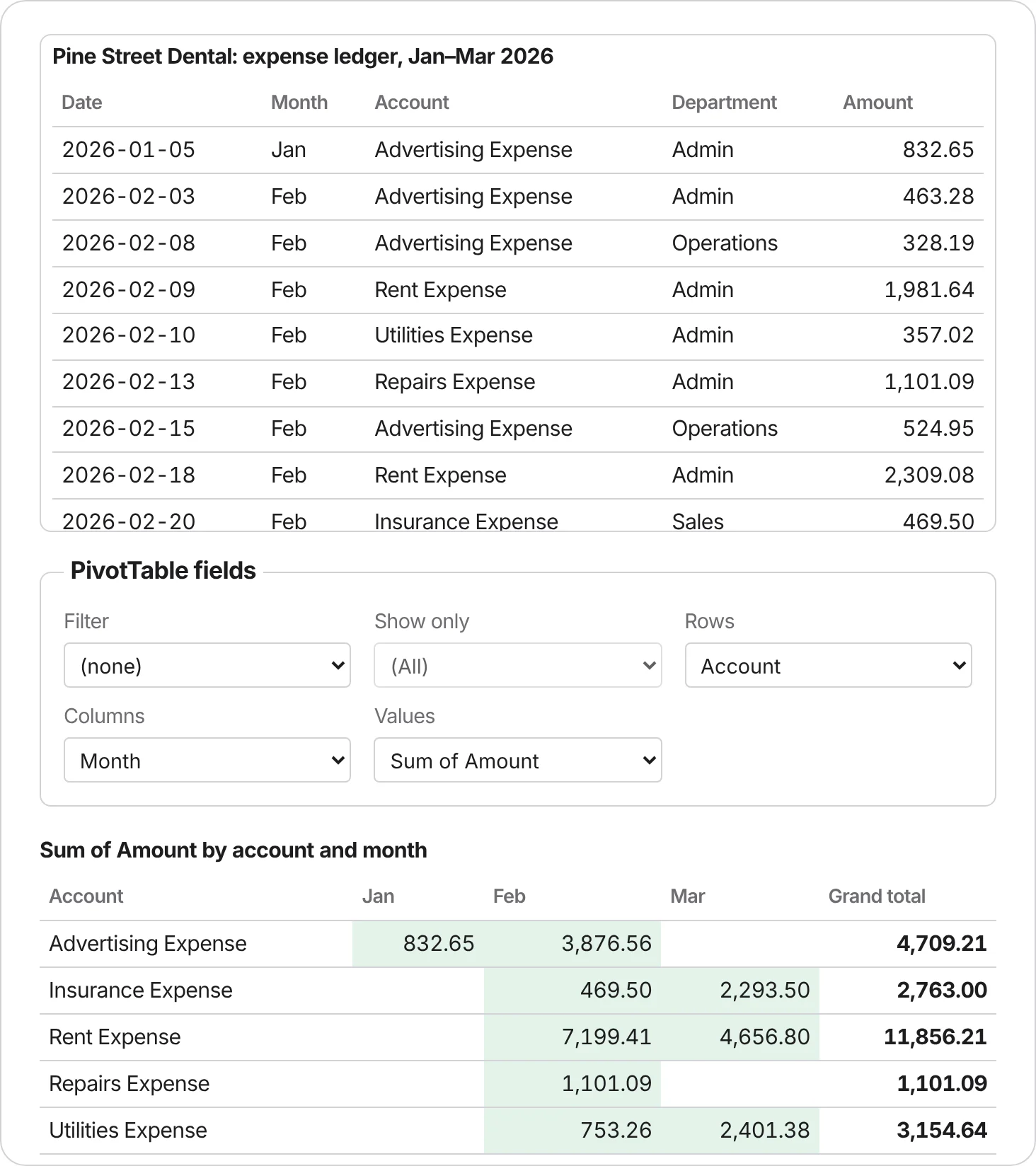
SUMIFS, XLOOKUP, PMT, DDB, fill down, dollar-sign references, PivotTables and charts. Nothing to install.
Journal
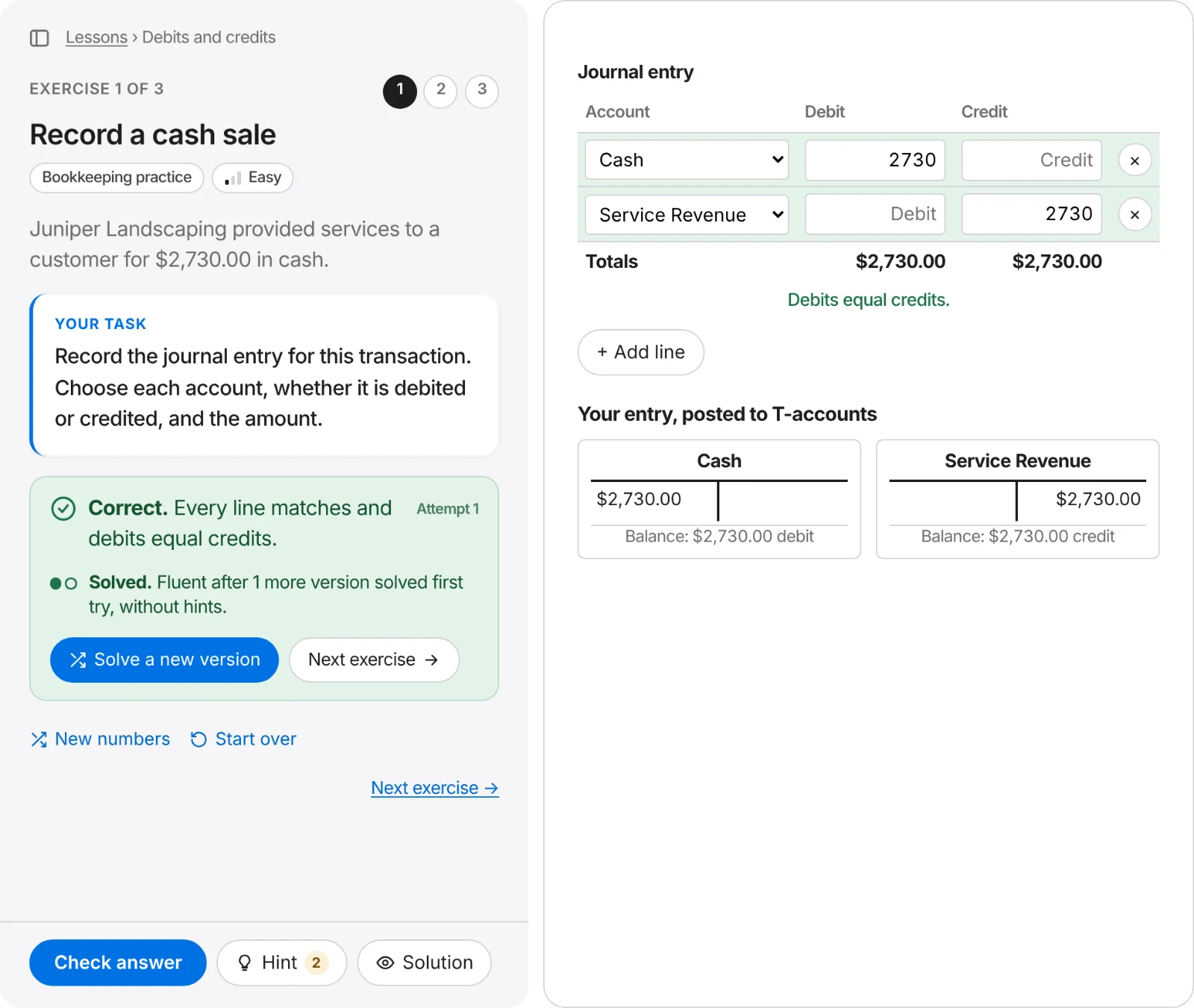
A journal entry form and a chart of accounts, with T-accounts that post your lines as you type.
MO-220 practice
Hands-on tasks built around the published Excel for Accounting Associate objectives, with timed checkpoints and a 50-minute mock exam.
Most people learn accounting twice. First from a textbook, a lecture or a video, where it all makes sense. Then again on the job, in front of a spreadsheet and a ledger, where it suddenly doesn't. The second time is the one that sticks, because you are doing the work instead of watching someone else do it.
Accounting Exercises skips straight to the second part. Every lesson puts a real task in front of you, such as a bank statement that doesn't match the books, an asset to depreciate or a month of entries to post, and asks you to do it. You get instant, specific feedback, and you can try again with new numbers until it's automatic.
There's also a gap we wanted to fill. Microsoft's own page for the MO-220 Excel for Accounting Associate exam says:
“No training available for this exam.”
The exam is hands-on, so the practice should be hands-on too.
Each exercise takes five to fifteen minutes, so you can do one on a lunch break or before class. Lessons go from easy to hard in small steps: one adjusted balance, then the reconciling items from a check register, then the whole reconciliation. You move on when the code says you got it right, so gaps don't pile up, and your progress is saved as you go.
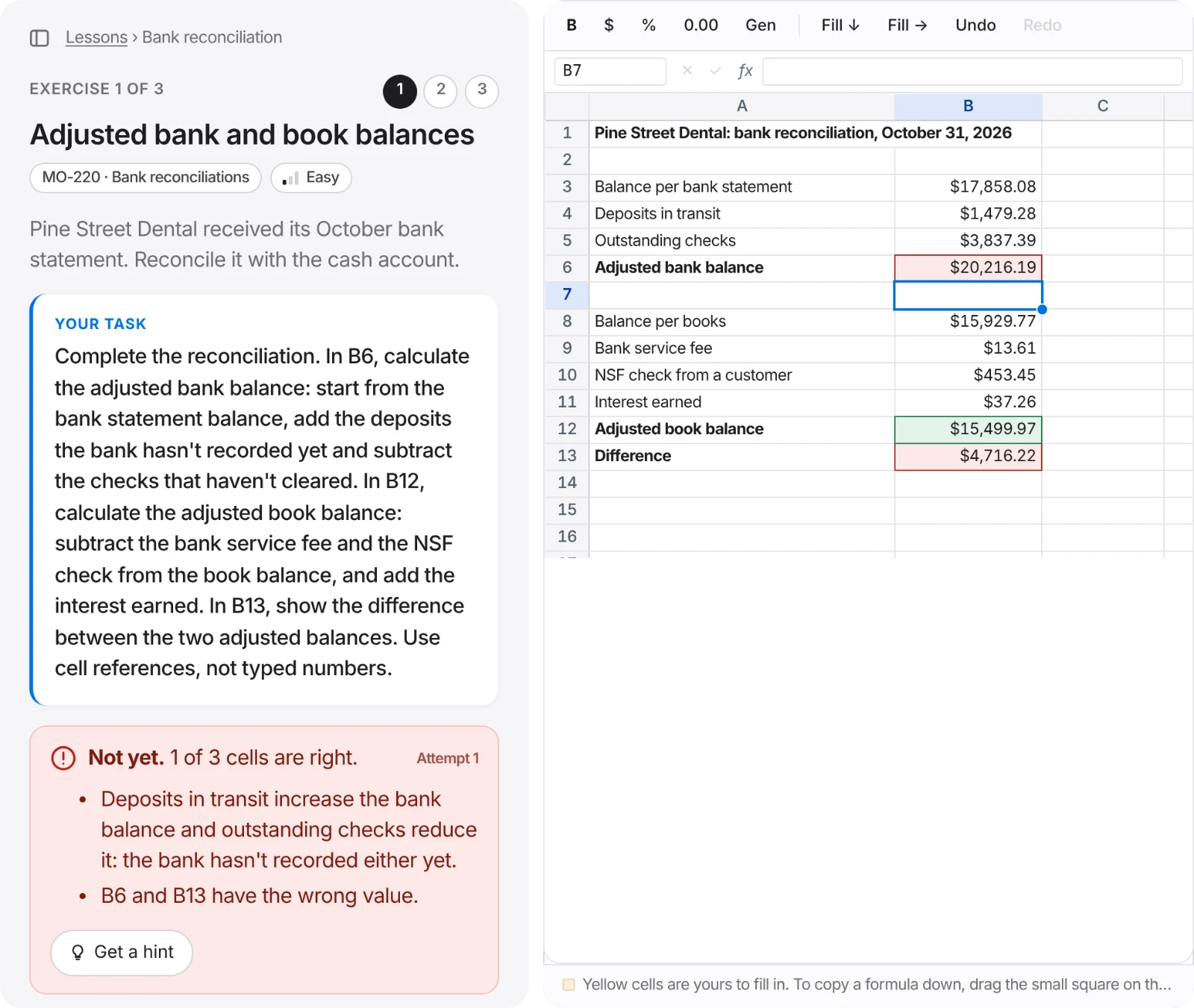
Watching someone build a depreciation schedule feels like learning, but it rarely survives until the next morning. Here you type every formula and every journal line yourself. When something is wrong, the cell or line is highlighted, and the most common mistakes get their own explanation, like "Deposits in transit increase the bank balance" or "Cash should be credited." You fix it, check again and remember why.
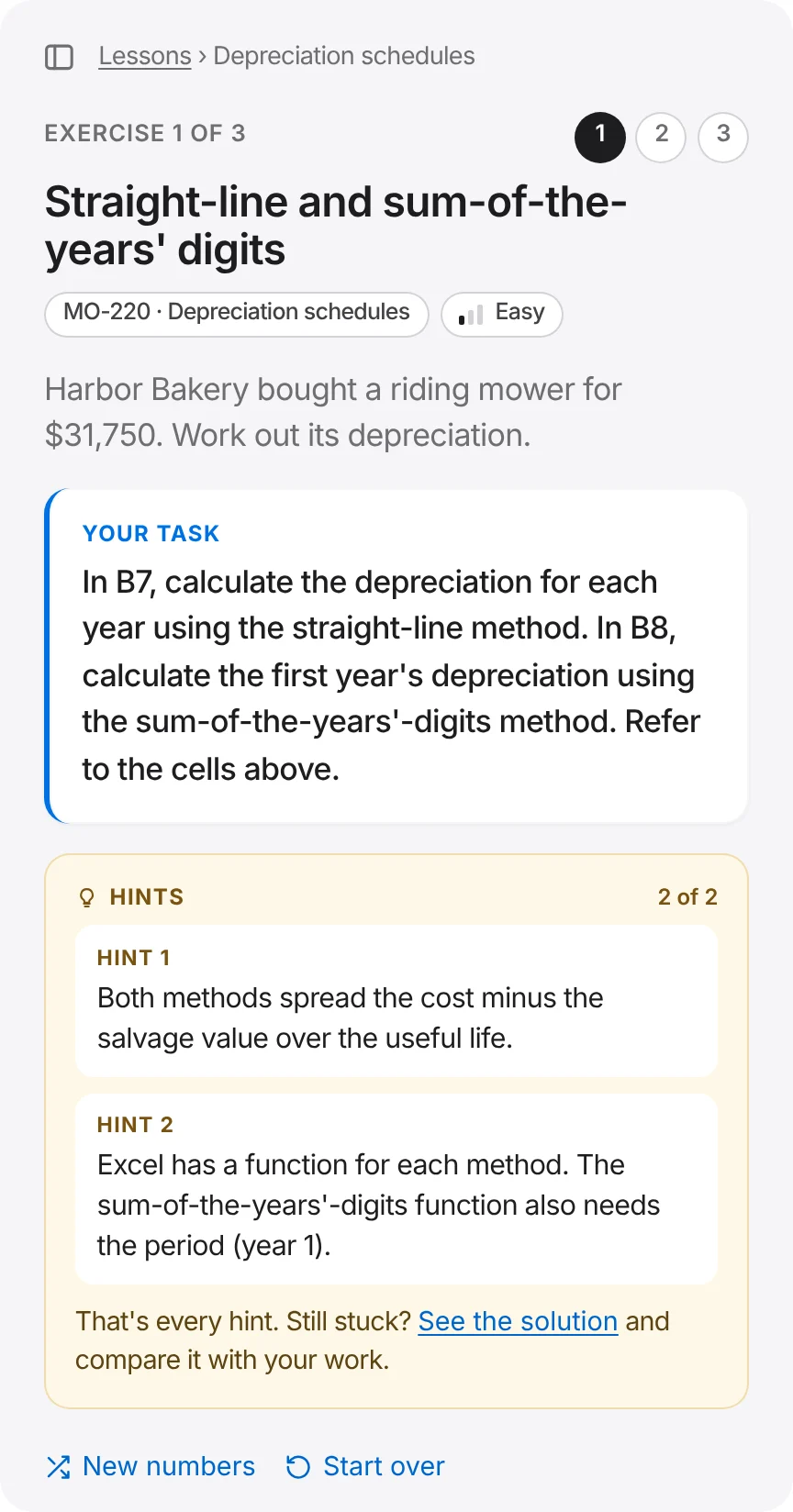
Every exercise has hints that start gentle and get more specific, so you can get unstuck without being handed the answer. Still stuck? Open the solution and compare it with your own work: the formulas for spreadsheet tasks, every debit and credit for journal entries. Then press New numbers and prove to yourself that you can do it alone.
Exercises are generated, not copied from a textbook. Every version is built from the same rules and checked the same way, so two students in the same class get different companies and amounts, held to the same standard. Keep drilling the parts you find hard, in a spreadsheet that works like the ones at work (no Microsoft® Excel® license needed) or a journal with live T-accounts.
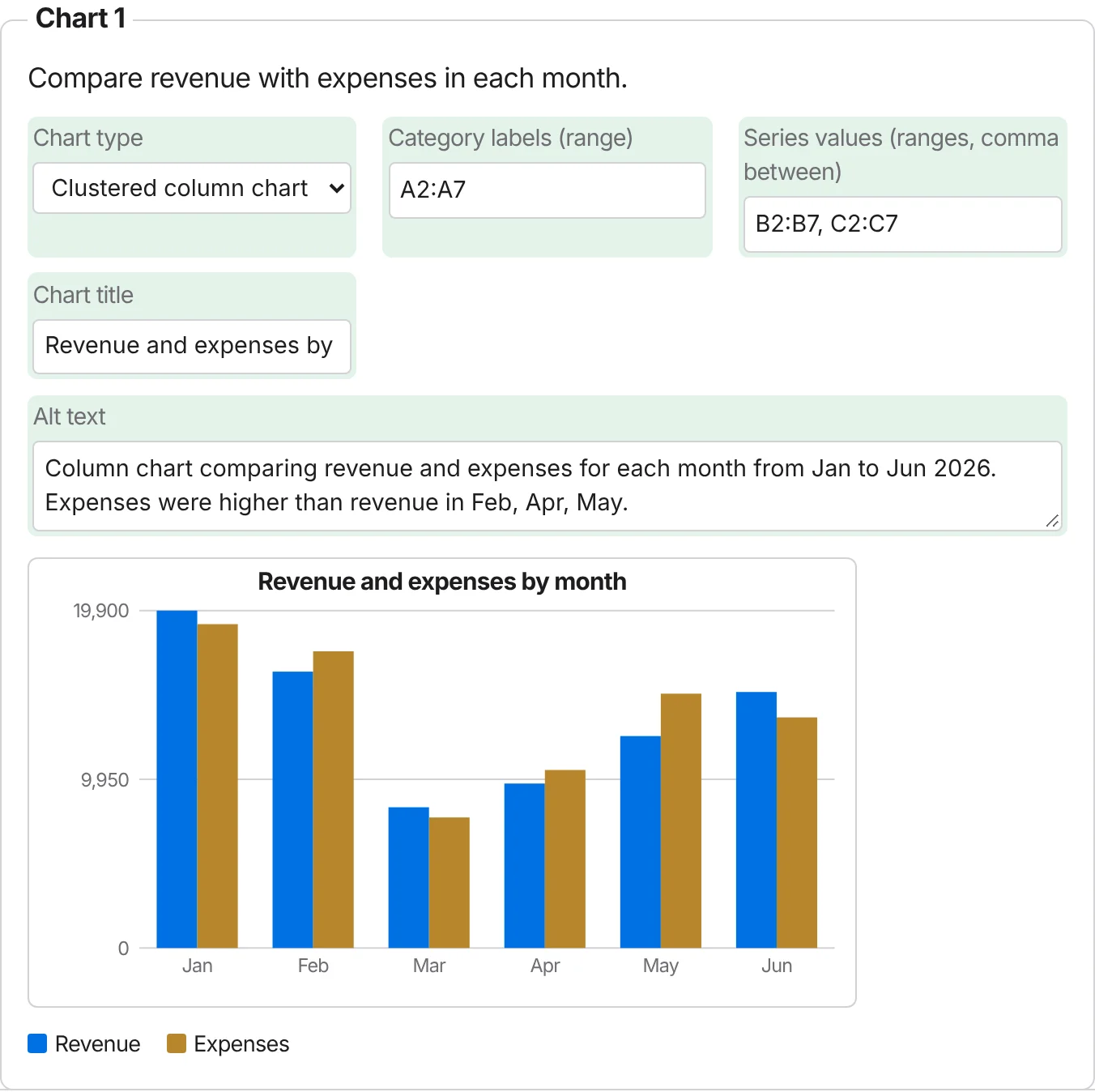
Spreadsheet and bookkeeping skills show up in nearly every accounting, payroll and finance job, and employers increasingly test them. In one 2025 survey, 76% of employers said they use skills tests when hiring. Those tests look a lot like these exercises: a short task, a sheet or a ledger, and a clock.
The Excel-for-accounting lessons follow the MO-220 objectives: organizing data for a trial balance, analyzing financial statements with ratios, and routine work such as amortization, bank reconciliations, receivables and payables, payroll and depreciation.
No sign-up necessary. An account is only needed later, to save progress across devices or unlock every lesson.
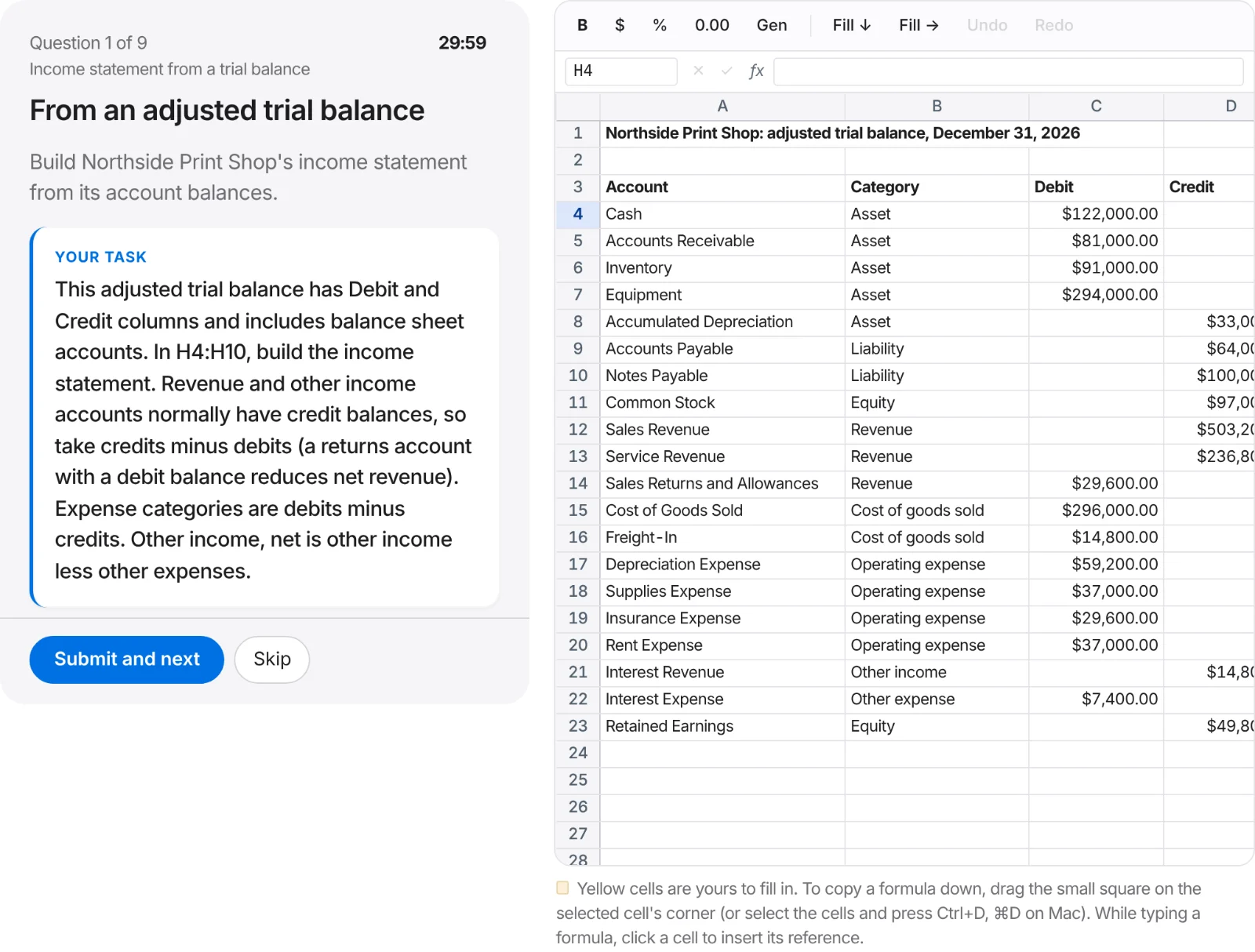
Each exercise describes a real situation and what's needed, like a manager or an exam would, without telling you which function to use.
Type formulas into the highlighted cells, or choose accounts and amounts in the journal.
Right cells and lines turn green; wrong ones turn red, with a hint about why.
Use hints if you're stuck, compare with the solution, then try a fresh version until you get it right first time.
Start with debits and credits, jump straight to the spreadsheet tasks your job or course needs, or work through payroll from hours to the journal entry. The first exercise of every lesson is open to everyone.
The courses connect: the bank reconciliation and depreciation exercises share companies and numbers, so you build the schedule in the spreadsheet and record the entry in the journal. See all lessons
Accounting and bookkeeping students who want to turn lectures and homework into skills they can use.
Career-changers moving into bookkeeping, payables, receivables or payroll, who need to show on day one that they can do the work.
Junior accountants and analysts whose résumé says "proficient in Excel" and who would like that to be completely true before month-end close.
Anyone preparing for MO-220 who wants realistic, hands-on tasks to practice on before booking the exam.
Teaching accounting, bookkeeping or an Excel-for-accounting course? Instructors get free access. Every student gets their own numbers, so answers can't be shared, and every answer is checked on submission, so there's nothing to grade by hand. The free exercises work in class tomorrow, with no accounts to set up.
The first exercise of every lesson is free, with no sign-up, in Excel for Accounting, Bookkeeping and Payroll. You can repeat it with new numbers as often as you like. Premium unlocks every exercise in every lesson; see pricing.
No. The exercises run in a spreadsheet inside your browser, on any recent computer. The formulas you learn are the same ones you'll use in Excel at work.
By code, never by opinion. Your formulas run and every result is compared with a correct solution; journal entries are compared line by line and must balance. That's why feedback is instant and consistent.
No. Accounting Exercises offers independent MO-220 practice built around the published exam objectives. It isn't affiliated with, endorsed by or sponsored by Microsoft or Certiport, and it doesn't use real exam questions.
No. Payroll exercises use clearly labelled example rates or give you the amounts, so you practice the method. They are not tax advice and not current tax law.
Yes. The bigger spreadsheet tasks are easier on a laptop or tablet.
Start with Debits and credits in the bookkeeping course. Each exercise has hints and a solution, and you can repeat any exercise with new numbers as often as you like.
About ten minutes. Free. No account needed.